Start on your TV
Open Sign in with phone or web in the app and scan the QR code to securely link your TV.
Your TV signs in automatically once the source is sent.
 XL IPTV Player
XL IPTV Player is only a player — we sell no channels, films or subscriptions. You bring your own content; we make sure it plays well on your television.
On a TV box: enter the code 2177679 in the Downloader app, or open xliptvplayer.com/apk in the box's browser.
Open Sign in with phone or web in the app and scan the QR code to securely link your TV.
Your TV signs in automatically once the source is sent.
This playlist is linked to your reseller account. You can delete or replace it in the reseller centre until the customer changes it.
Channel list with groups, favourites, search and a programme guide, including what each programme is about.
Where your source supports it, start a programme from the beginning or go back to what has already aired.
Posters, details, episodes and resume exactly where you stopped.
Slovak, Czech, English, Hungarian and German. On first launch the application follows the television.
Scan a QR code and fill the details on your phone. The television signs in by itself.
Content your provider marks as adult is protected by a PIN.
Real screens of the application, not illustrations.
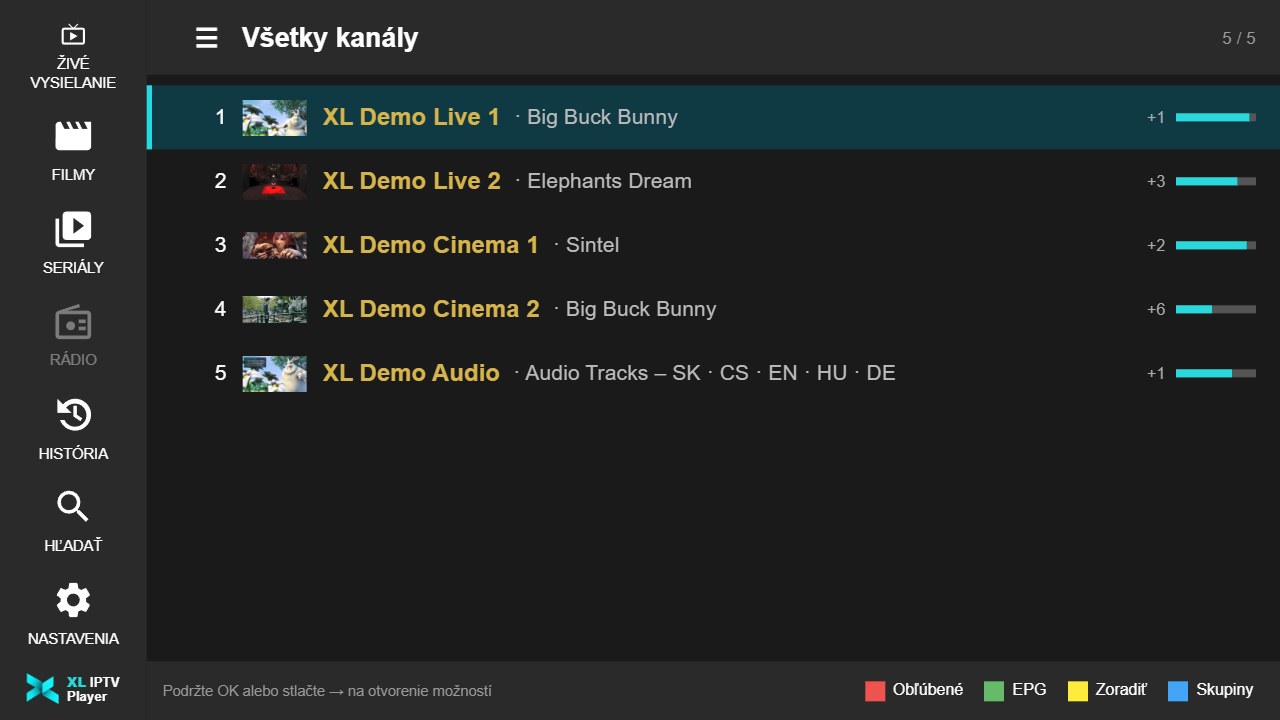
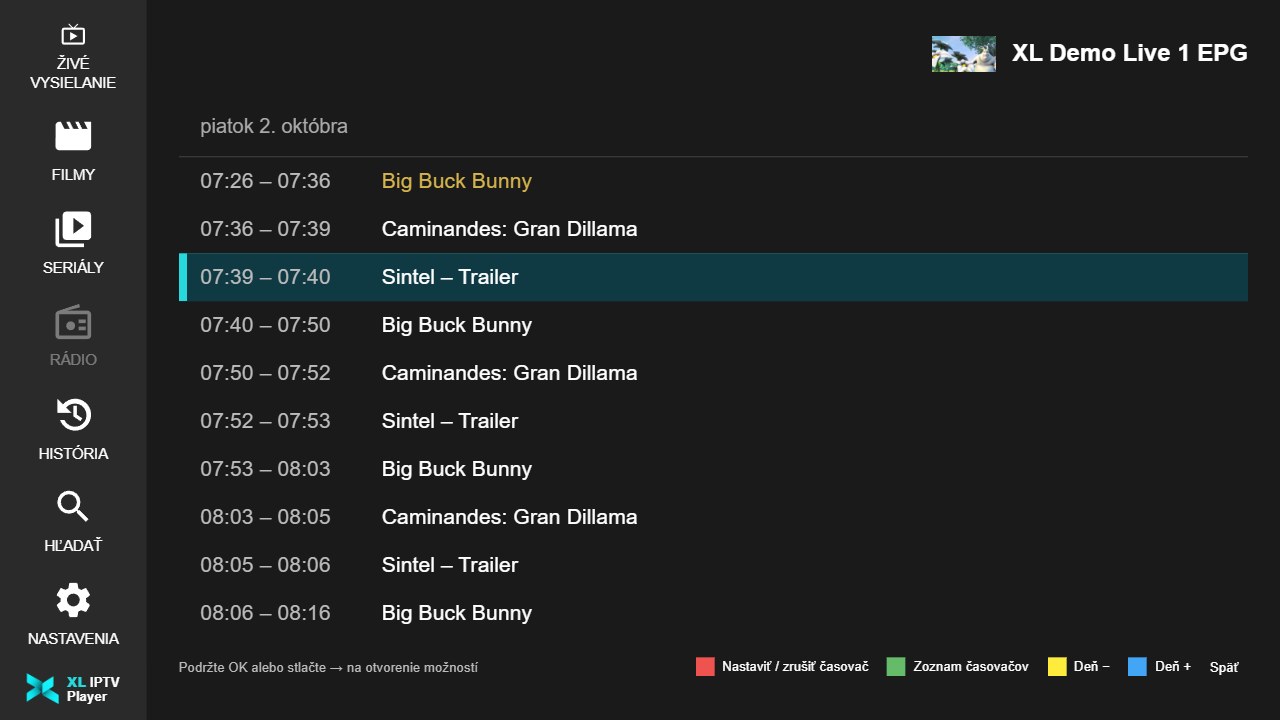
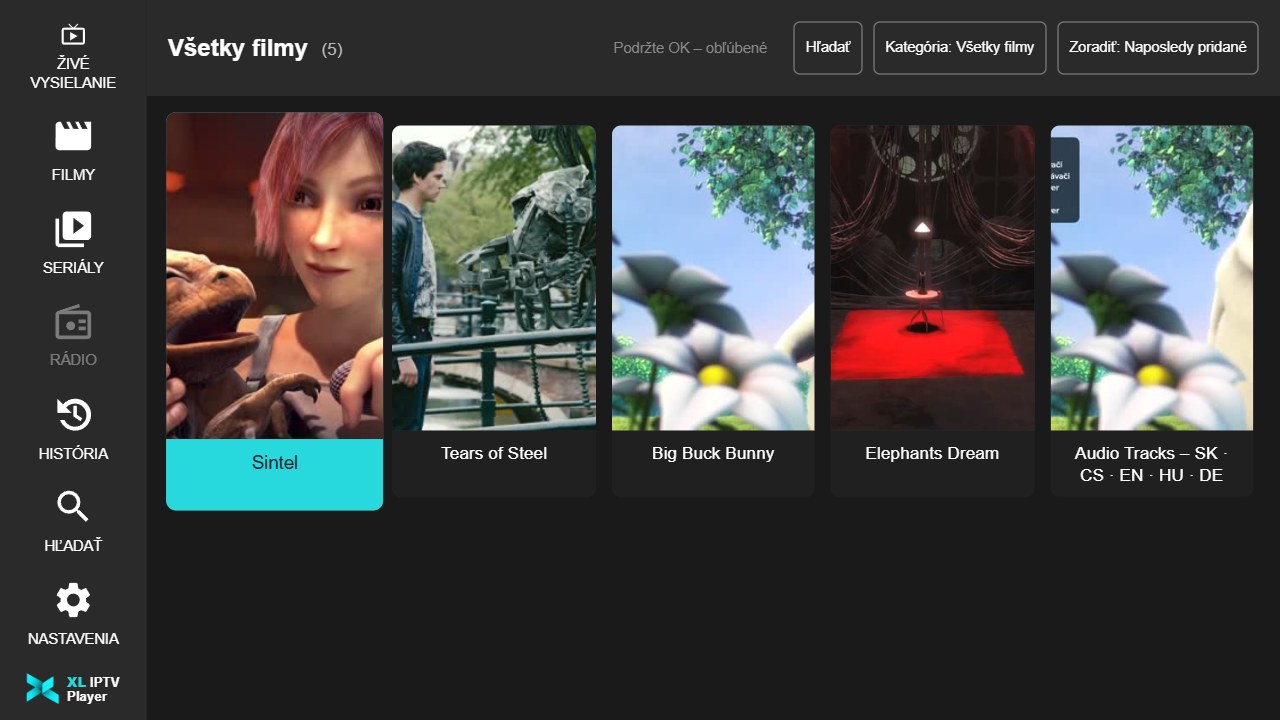
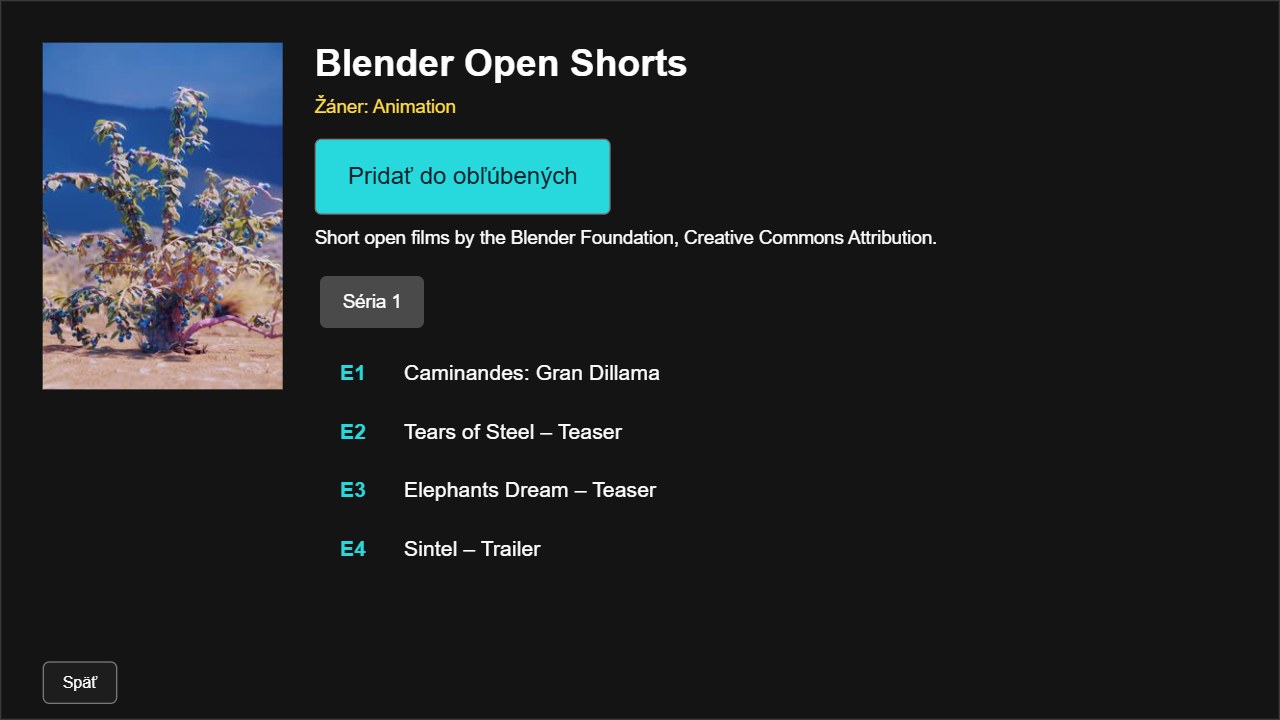
The screens show our own demo with films by the Blender Foundation (Creative Commons Attribution). The application contains no content of its own.
XL IPTV Player is an IPTV player for smart TVs and Android. It plays your own playlist or the access from your provider – M3U, Xtream Codes and 1-stream – with a TV guide (EPG), catch-up, movies and series.
No. The app is only a player and does not include, sell or broker any channels or subscriptions. Use only sources you have the right to use.
On Android: phones, tablets, Google TV, Android TV and TV boxes – from Google Play or as an APK from our website. Apps for Samsung (Tizen), LG (webOS) and Philips · JVC (Titan OS) TVs are coming soon.
The first 7 days are free, and the trial starts only when a source first loads. After that, an annual licence for EUR 6.99 or a lifetime licence for EUR 12.99. A licence is valid for one device.
In the app choose "Sign in with phone or web" and scan the QR code. Fill in the details on your phone and the TV signs in by itself. You can also enter them with the remote.
In the Downloader app enter the code 2177679, or open xliptvplayer.com/apk in the box's browser. The app then updates itself.